

Build and Deploy a GraphQL API to the Edge with MySQL and PlanetScale — Part 3
Set up Database Connection
Updated
•1 min read
We're going to use the serverless PlanetScale database driver inside our Grafbase Edge Resolvers. Run the following command to install the @planetscale/database dependency:
npm install @planetscale/database
Now open the connection settings inside your PlanetScale database and obtain copy the values.
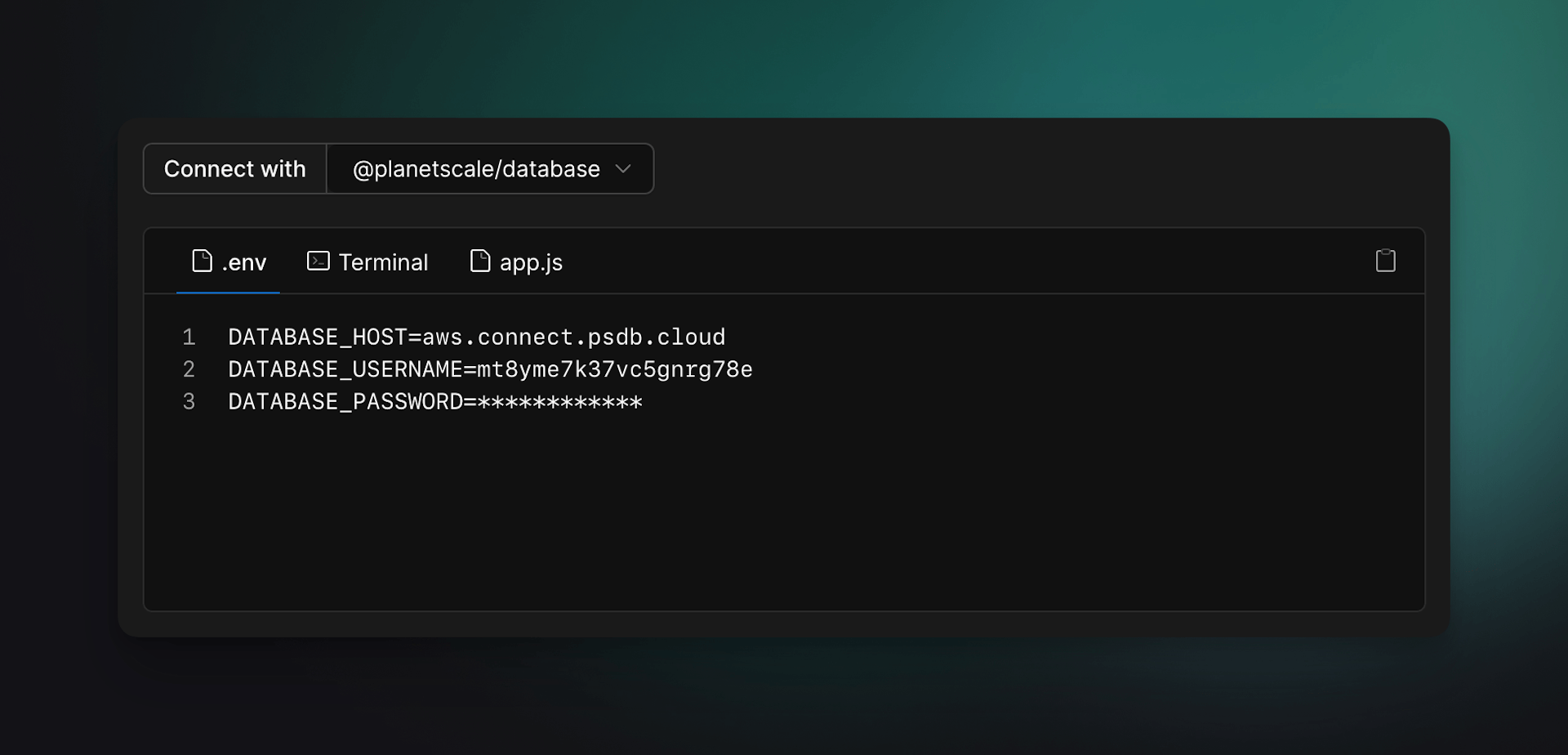
Now create the file grafbase/.env and paste the contents from above:
DATABASE_HOST=
DATABASE_USERNAME=
DATABASE_PASSWORD=
Finally, create the file grafbase/lib.ts and add the following config export:
export const config = {
  host: process.env.DATABASE_HOST,
  username: process.env.DATABASE_USERNAME,
  password: process.env.DATABASE_PASSWORD
}
That's it! We'll use this next in our first mutation resolver!


